The Google Ads Account Audit We Run Before Taking Any Client: What We Almost Always Find Broken
Before we touch any account, we run this Google Ads audit: structure, negatives, quality score, tracking, and wasted spend. Here's the full checklist.
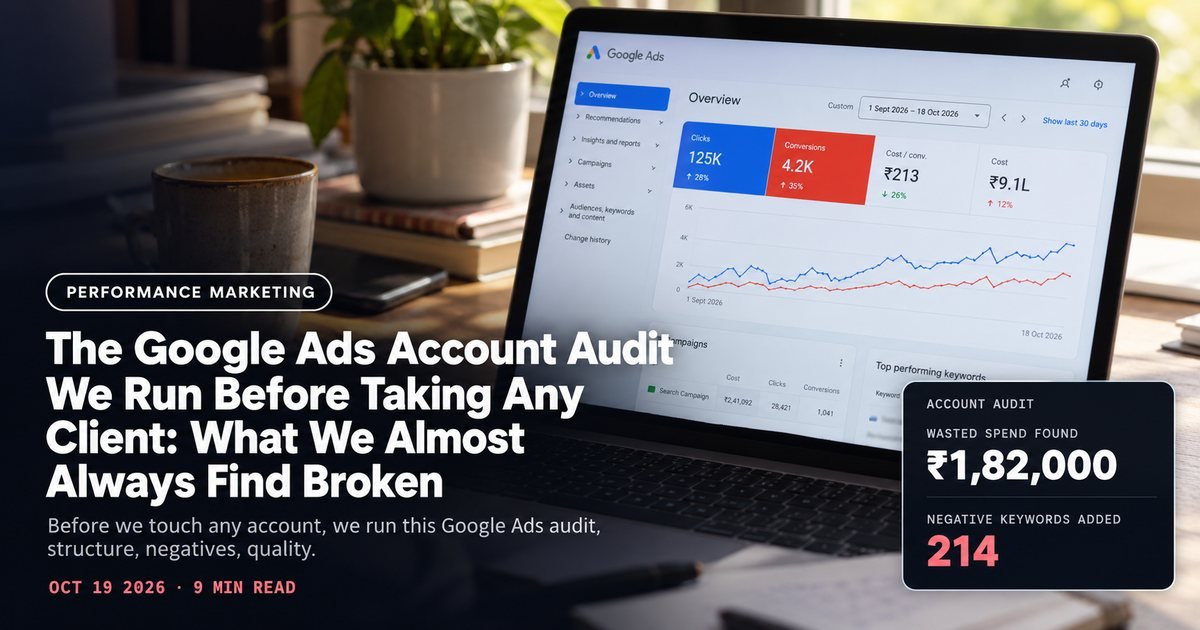
Before we quote a single number on google ads cost or agree to run a new client's account, we spend two to three days inside it first. No courtesy glance. A structured audit against a checklist we've refined across dozens of D2C accounts.
Most of what we find is ordinary. The same five or six problems, repeated in a different order every time.
This is that checklist, close to word for word, with the kind of thing we actually find at each step.

Step 1: Account and campaign structure
We start here because structure decides how well everything downstream can even be measured. A common problem: one Shopping campaign and one Search campaign covering the brand's entire catalog, with no separation by category or margin tier.
That structure makes it impossible to allocate budget toward the products that actually convert at a healthy CAC versus the ones riding on brand halo alone.
We break the data down by product. The numbers are almost always lopsided. We typically find 40-60% of spend concentrated on 10-15% of SKUs, information the account owner usually hasn't seen because it's buried inside one undifferentiated campaign.
The fix is almost always to split by margin tier or category rather than add more keywords. An account restructure alone, with no new creative or bid changes, has moved effective ROAS by 15-25% in accounts we've picked up. Just from letting budget find the SKUs actually worth funding.
Step 2: Negative keyword gaps
This is the single most common thing we find broken, and the cheapest to fix. We pull the Search Terms report for the trailing 90 days and sort by spend with zero conversions.
In roughly eight out of ten accounts we audit, we find at least ₹15,000-₹60,000 of trailing-quarter spend on search terms that have nothing to do with the brand's actual product. Things like "free [product] sample," "[brand name] jobs," or a competitor's branded term pulling clicks that never convert. Pure waste.
Most of this happens because broad match keywords were added early and never pruned as the account scaled. A negative keyword list review should happen monthly, not once at setup and then forgotten. We build a running negative list from the search terms report every month for the first quarter of any new account, since that's when the biggest gaps surface.
Step 3: Quality Score and ad relevance
Quality Score isn't a vanity metric; it directly sets your cost per click. We check Quality Score at the keyword level for every term spending more than ₹5,000/month, looking specifically at the three components Google breaks out: expected CTR, ad relevance, and landing page experience.
Low landing page experience scores are the most fixable and the most ignored. We've seen Quality Scores stuck at 4-5 purely because the landing page doesn't mention the search term anywhere in the first screen, even when the product itself is exactly what the searcher wanted.
A Quality Score improvement from 5 to 7 on a competitive keyword can cut CPC by 20-30% without touching the bid at all, since Google's auction formula weights relevance heavily. This is one of the clearest, most measurable levers in the whole audit.

Step 4: Conversion tracking verification
We never trust the conversion number on the dashboard until we've checked it against the actual order count in the client's store backend. This takes twenty minutes and catches real problems constantly.
The most common issue: duplicate conversion tracking from an old Google Tag Manager setup and a newer Google Ads native tag both firing on the same purchase event, inflating reported conversions by roughly double.
The account looks like it's converting at twice the real rate. It isn't. Every optimization decision made off that number, including Smart Bidding, has been training on bad data.
Cross-check the Google Ads conversion count against Shopify or your backend's actual order count for the same 7-day window before trusting any reported ROAS. If they don't match within about 10%, fix tracking before changing anything else in the account. Everything else in this audit assumes clean data, and none of it matters if the baseline number is wrong.
Step 5: Wasted spend on broad match without Smart Bidding support
Broad match keywords without a Smart Bidding strategy (Target CPA or Target ROAS) running underneath them are one of the most common silent spend leaks we find. Broad match relies on Google's algorithm to understand intent, and that algorithm needs enough conversion signal and the right bidding strategy to use it well.
Running broad match on manual CPC or Enhanced CPC without enough conversion volume (fewer than roughly 30-50 conversions a month feeding the signal) usually means broad match is matching to searches only loosely related to the product, burning spend on reach rather than intent.
We generally recommend phrase match or exact match until an account has enough conversion volume to safely run broad match under a proper Smart Bidding strategy, which is a different sequencing than most accounts start with.
Step 6: Bidding strategy mismatch
We check whether the bidding strategy matches the campaign's actual goal and data maturity. A brand-new campaign set straight to Target ROAS with no conversion history almost always underperforms for the first two to three weeks while the algorithm has nothing to learn from.
It then either stabilizes, or, more often in accounts we inherit, gets abandoned and switched back to manual bidding right as it was about to work. Timing kills more good strategies than bad strategy ever does.
Smart Bidding strategies need roughly 30 conversions in a rolling 30-day window before they have enough signal to bid well. Below that, Maximize Clicks or a manual CPC approach with careful monitoring usually performs more predictably while the account accumulates data.
Step 7: Landing page relevance
The last check, and often the most expensive to fix, is whether the page a click lands on actually matches what the ad promised. We've audited accounts running a specific product ad that lands on the homepage instead of the product page, forcing every click to do an extra search before they can even consider buying.
Technically, this is a store and CRO problem, not a Google Ads one. But it shows up in Google Ads numbers as a conversion rate that never improves no matter how much the campaigns themselves get optimized.
We flag it separately anyway. Fixing the ad side without fixing this wastes every other improvement on this list.
The full checklist we run, in order
- 1Review account and campaign structure; split by margin tier or category if bundled together.
- 2Pull the 90-day Search Terms report and build a negative keyword list from zero-conversion spend.
- 3Check Quality Score components (CTR, relevance, landing page experience) on every term above ₹5,000/month spend.
- 4Cross-check Google Ads conversion count against actual store order data for the same period.
- 5Flag broad match keywords running without Smart Bidding support or enough conversion volume.
- 6Confirm bidding strategy matches the campaign's actual conversion data maturity.
- 7Check landing page relevance against ad promise for every active ad group.
This is the same audit we'd run on an account before quoting on google ads services, because pricing an engagement without knowing what's actually broken underneath is how agencies underbid their own time or overpromise on a timeline.
If you've never had someone run this full list against your own account, it's worth doing before your next budget conversation, not after. Book a free strategy call and we'll walk through what we'd find in yours.
A note on sequencing, because we get asked about this often. Clients want to jump straight to step three or five, the quality score fix or the bidding strategy change, because those feel like the levers that move revenue fastest. Skip ahead and you're optimizing on top of broken measurement. Don't do it.
Steps one through four come first, always, no exceptions. Structure, negatives, quality score, tracking. In that order. Everything after that depends on those four being right, and an account with clean structure and clean tracking data tends to fix half of steps five through seven on its own, simply because Smart Bidding finally has accurate signal to learn from. The algorithm isn't the problem most of the time. Bad inputs are.
Want us to audit where your CAC is leaking?
Book a call